Shop by tattoo style
Featured temporary tattoos
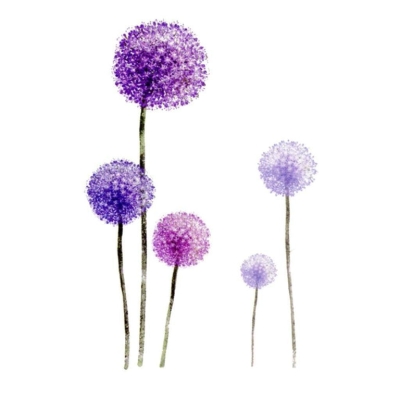
Multi Flowers 5
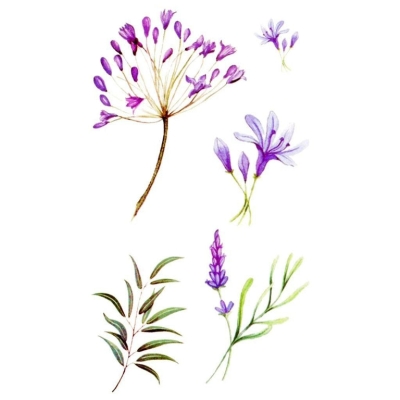
Multi Flowers 7
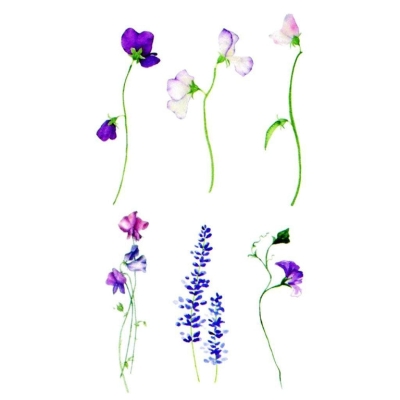
Multi Flowers 8
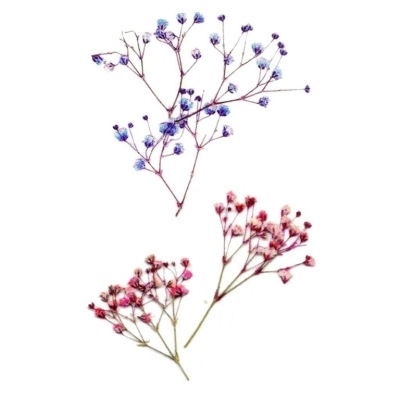
Multi Flowers 6
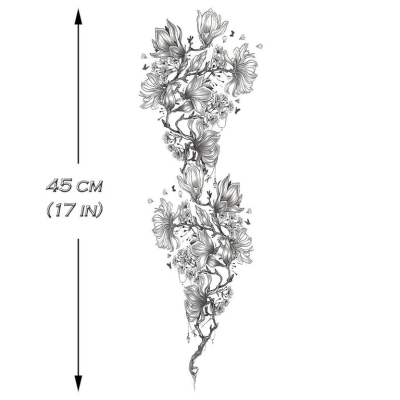
Music Branch Sleeve
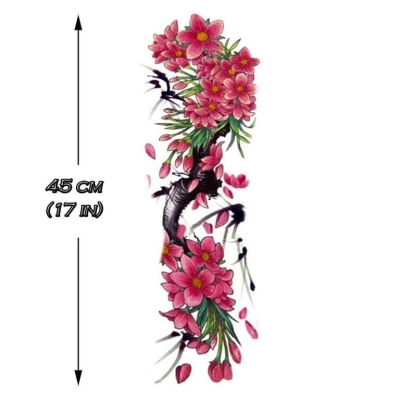
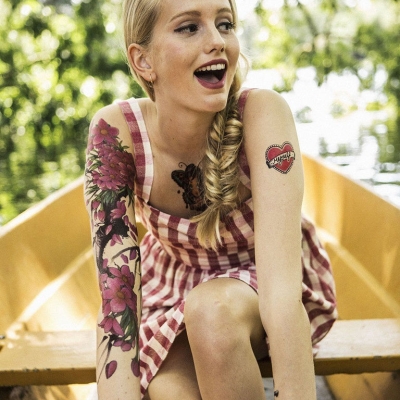
Cherry Tree & Flowers Sleeve
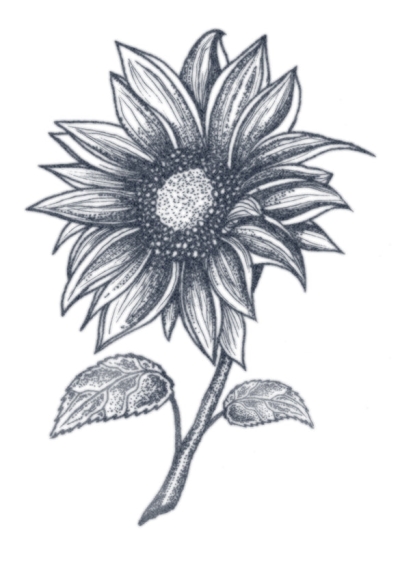
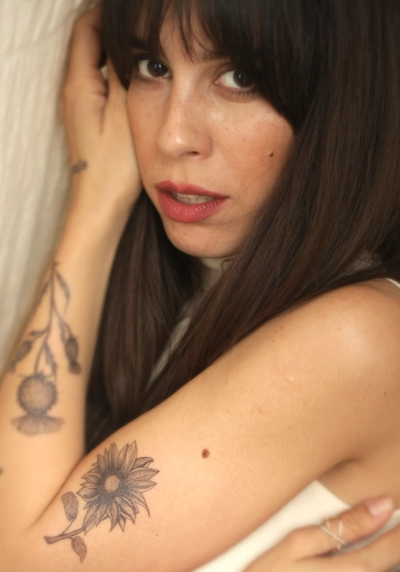
Dotwork Sunflower Tattoo
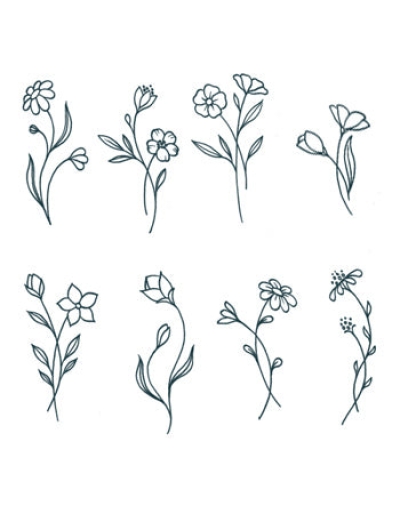
Small Flowers Set 01
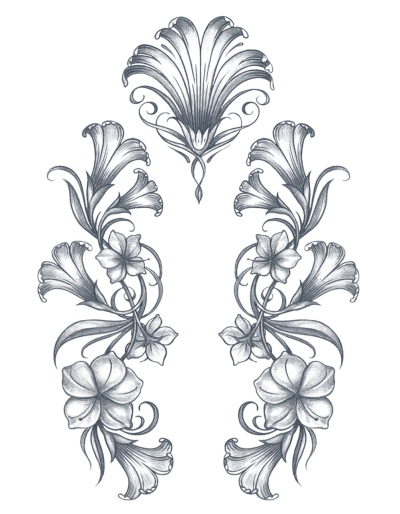
Angel Flower Set
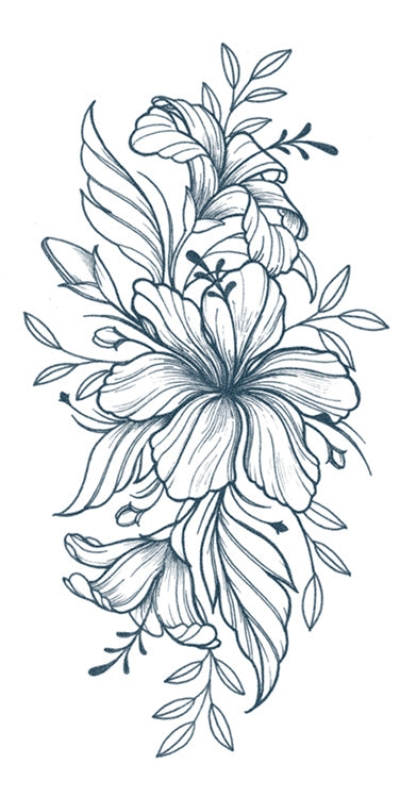
Hibiscus Flower Tattoo
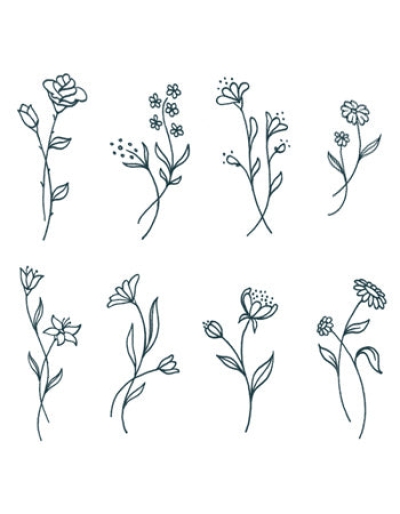
Small Flowers Set 02
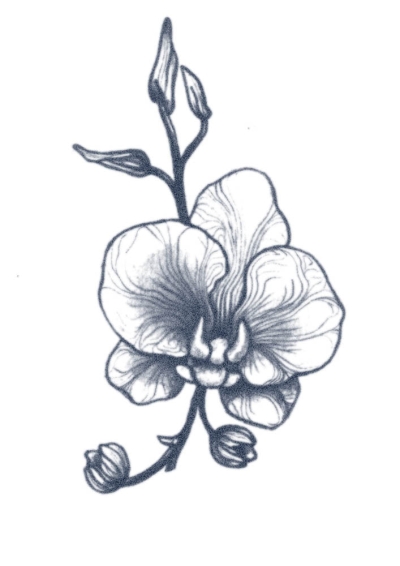
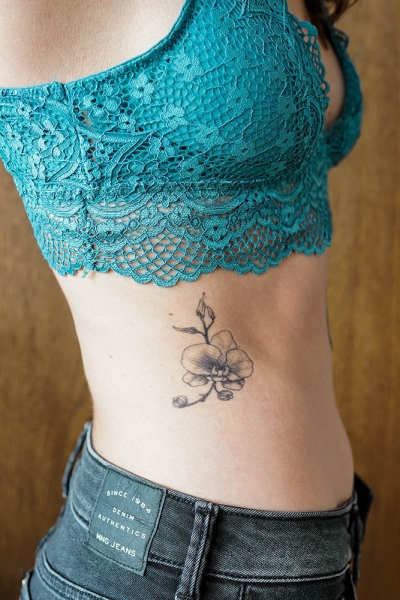
Orchid Flower Tattoo
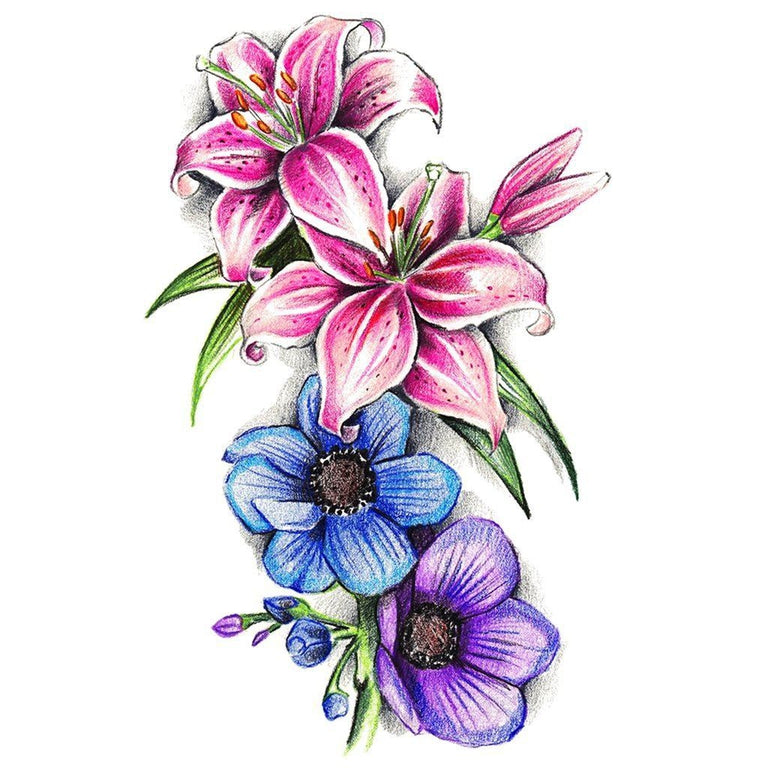
Flower and nature motifs
Line, colour or a metallic accent?
The same placement can feel very different with a fine black drawing, a coloured illustration or a metallic motif. Start with the kind of mark you want to see.
| Look | Compare | Explore |
|---|---|---|
| Black artwork | Line weight, filled areas and the space around the drawing | Black designs → |
| Colour | The palette and the contrast between the illustration and its background | Watercolor designs → |
| Metallic | The shape and placement of the reflective-looking elements shown in the listing | Metallic designs → |
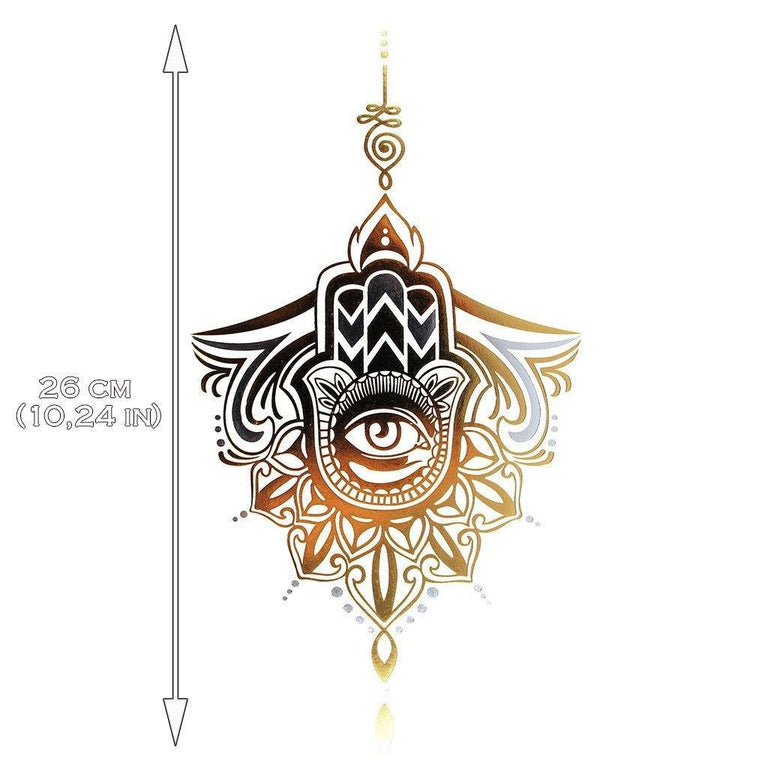
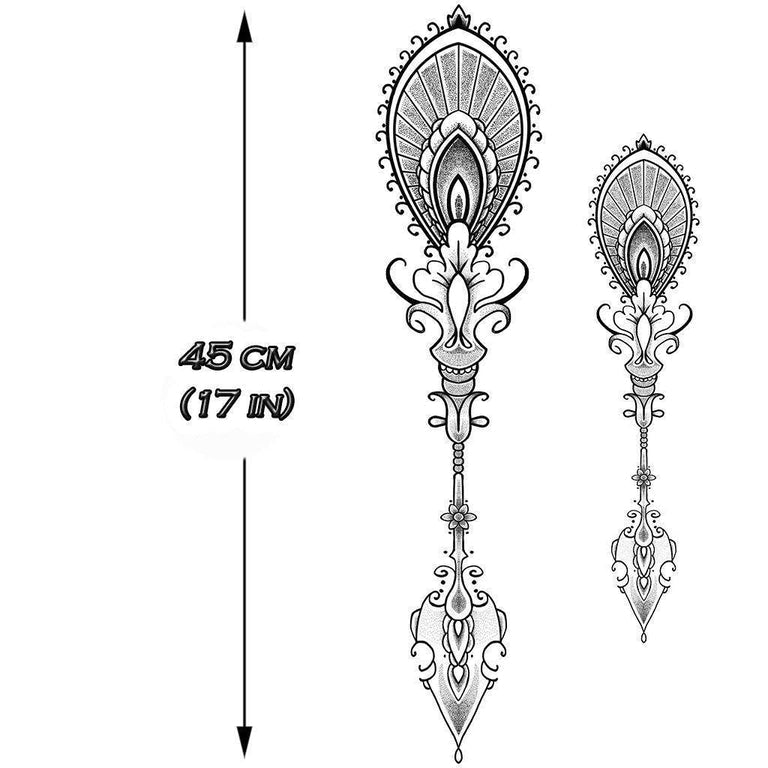
An ornamental line in gold
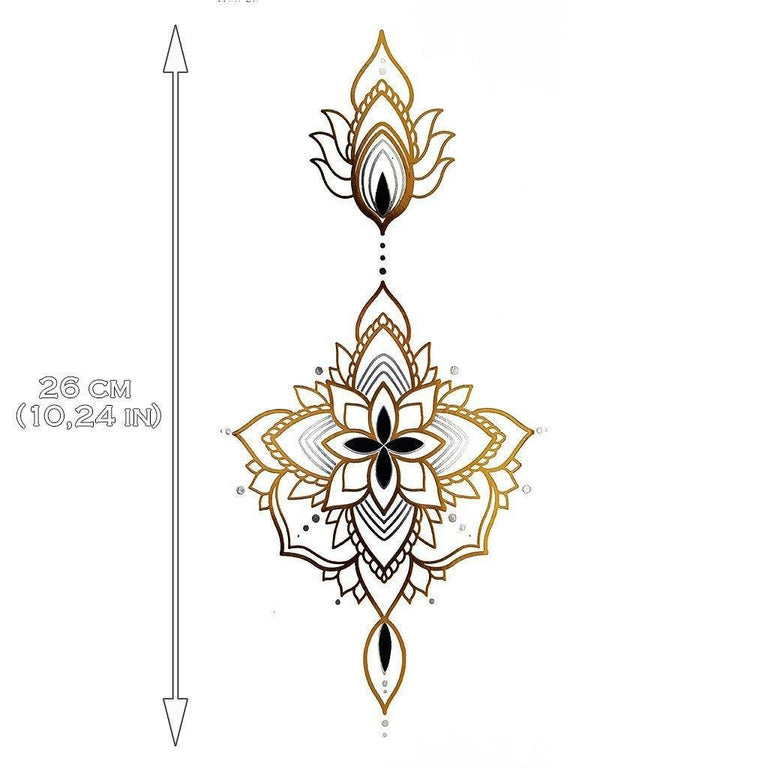
Metallic collection · ornamental artwork
The linked design combines a central floral shape with a longer vertical ornament. The illustration includes a dimension guide; compare it with the space where you plan to wear the design.
Check the full listing and selected option before choosing. The artwork image shows the design, rather than a promise of how it will look on every person.
View this ornamental design →One character, two visual treatments
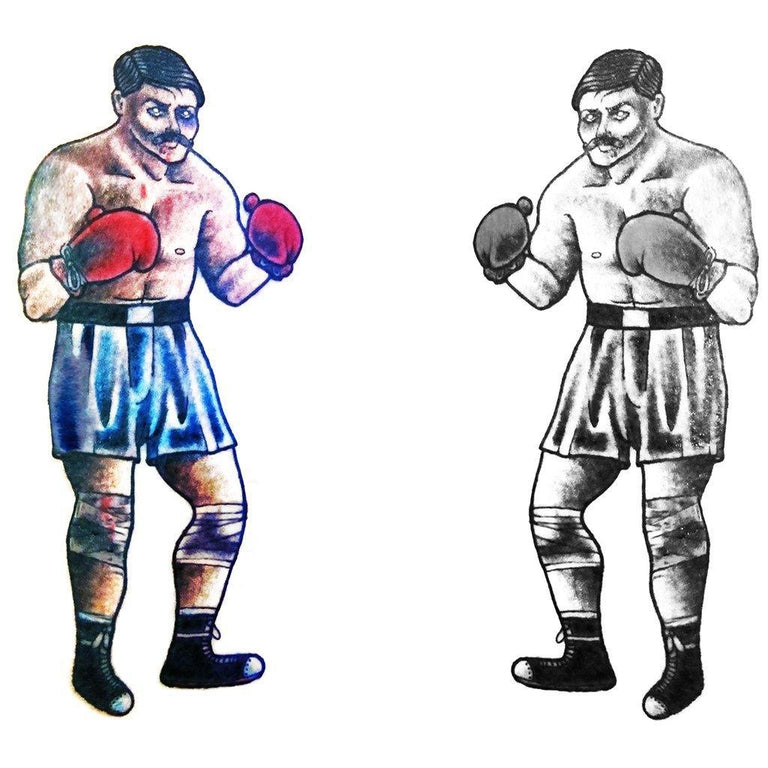
Vintage Boxer · Pack
The product artwork shows a boxer in colour alongside a black-and-white version. Compare the linework and shading to decide which look fits your idea.
Open the pack listing to check the available option and what is included. A product title or a styled image should not replace the item details.
View the Vintage Boxer pack →Choose the format before the placement
A single motif
Look at the outline and the space around the design. A compact composition can read differently from a long, narrow ornament.
Flower motifs →A sleeve
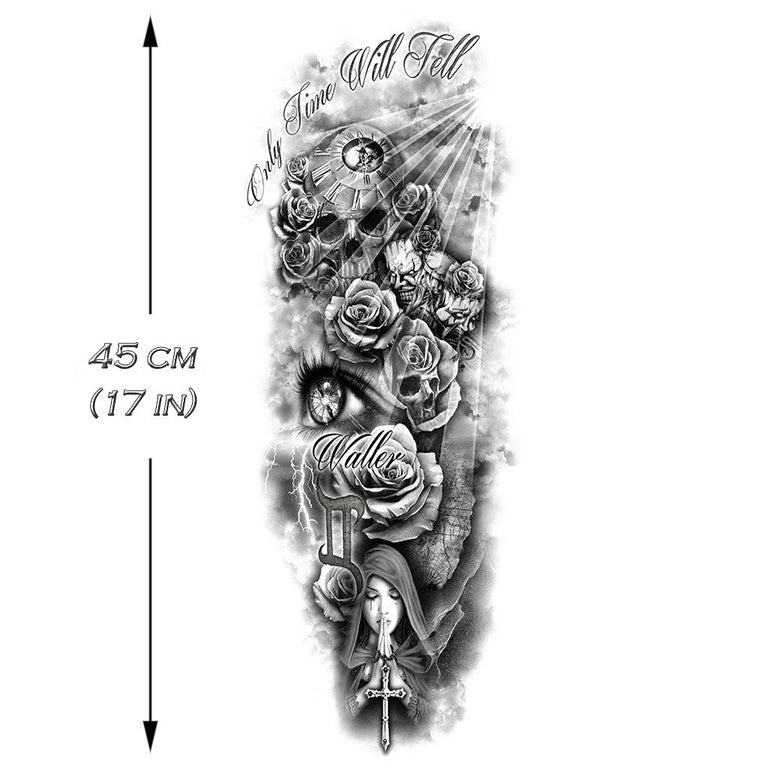
Study the complete arrangement and the listing’s dimensions. Notice which way the main elements face when you turn the design.
Sleeve designs →A larger composition
Compare the stated size with the area you have in mind. Ask for a missing measurement before ordering.
Large formats →Plan the space on paper first
- Check the dimensions. Find the size in the product details or artwork diagram. If it is missing, ask us with the product link.
- Compare the outline. Use a piece of paper to picture the width and length in the area you have in mind.
- Choose the orientation. Think about the direction of the main illustration and the surrounding space before following the supplied application instructions.
Give each design room
Choose one lead motif
Start with the largest or most detailed piece. Leave space around it before adding a smaller mark.
Repeat one visual idea
Try a shared line weight, colour or subject to connect two designs without making them identical.
Compare the whole arrangement
Lay out the designs together before use. Check scale, direction and how much open space remains between them.
Look beyond the cover image
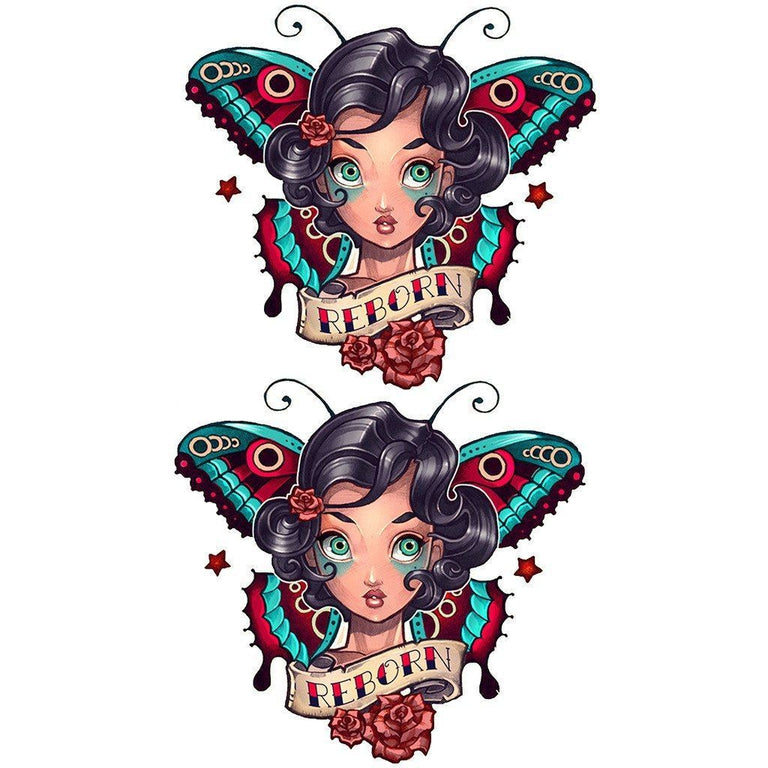
Review the design name, size information, selected option and pack contents. The image may include a scale drawing or show several design treatments.
Check the current price and quantity in the cart. If a listing does not explain a detail you need, contact us before ordering rather than inferring it from the photograph.
Check a product detail →Keep the product instructions close
Before applying
Read the directions and any warnings supplied with the specific item. Follow its preparation and application steps.
During wear
Use the product as directed. Wear time and finish can vary; check the item information rather than assuming every design behaves the same way.
For removal
Follow the removal instructions supplied with the product. Ask the store if those instructions are missing or unclear.
Questions about choosing a design
Where do I find the dimensions?
Check the product description and any measurement diagram in its images. Send the product link to support if the dimensions are not given.
Does every pack contain the same number of designs?
Check the individual listing and selected option. Do not assume a quantity from a collection name or a collage image.
Can I search for a particular subject?
Use the store search for words from the design name, such as flower, skull, butterfly or mandala, then compare the individual listings.
Where can I ask a question?
Email [email protected] or use the contact form. Include the design link or order reference.
Before you place your order
Shipping
Review the store’s preparation times, delivery areas and shipping conditions before checkout.
Shipping Policy →Returns
Read the applicable conditions and contact instructions before requesting a return or cancellation.
Refund & Return Policy →Payment
Review the payment information, then check the selected products, quantities and total at checkout.
Payment information →About INKTATTO